Using a Run Solution
If you like the solution Colimit came up with, you can either copy it to your clipboard and try it out locally, or push it to your branch from the Colimit UI.
Trying Solutions Out Locally
Colimit makes it easy to copy the Solution's diff/patch to your clipboard, so you can try it out locally before anything else.
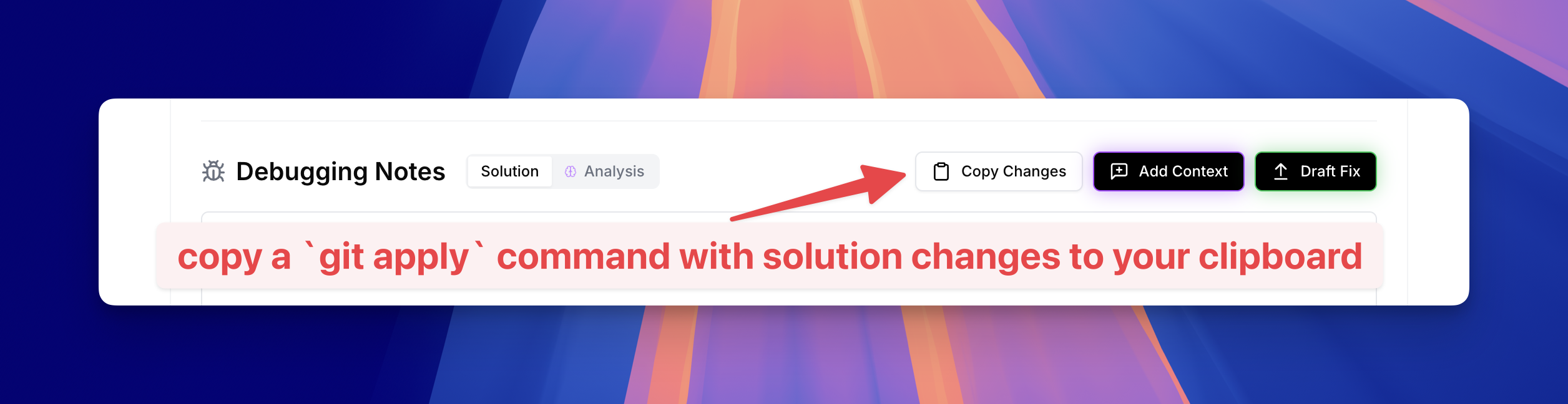
You can then head over to the branch that your build failed on, and paste your clipboard contents into your terminal.
This will look something like below, a git apply command that requires you to press enter before it applies the patch (so you can review the changes one more time).
cat << 'EOF_1234567890' | git apply --ignore-whitespace
--- a/app/models/weather_station.rb
+++ b/app/models/weather_station.rb
@@ -42,9 +42,8 @@
     errors.add(:station_id, 'is not registered') unless registered_station?
   end

   def data_availability_check
-    return unless registered_station?
-
-    response = WeatherApi.new.fetch_station_data(station_id)
+    api_config = Rails.configuration.weather_api
+    response = WeatherApi.new(api_key: api_config[:api_key]).fetch_station_data(station_id)
     pp(weather_station: { data_check: { station_id:, response: } })
     case
     when response.success?
@@ -53,7 +52,7 @@
     else
       errors.add(:data_availability, 'failed, station offline')
       return false
     end
-  end
+  end
 EOF_1234567890
Pushing Fixes to Your Branch
Once you're happy with the implemented fix, you can draft a fix commit message, and push it the branch that your build failed on.
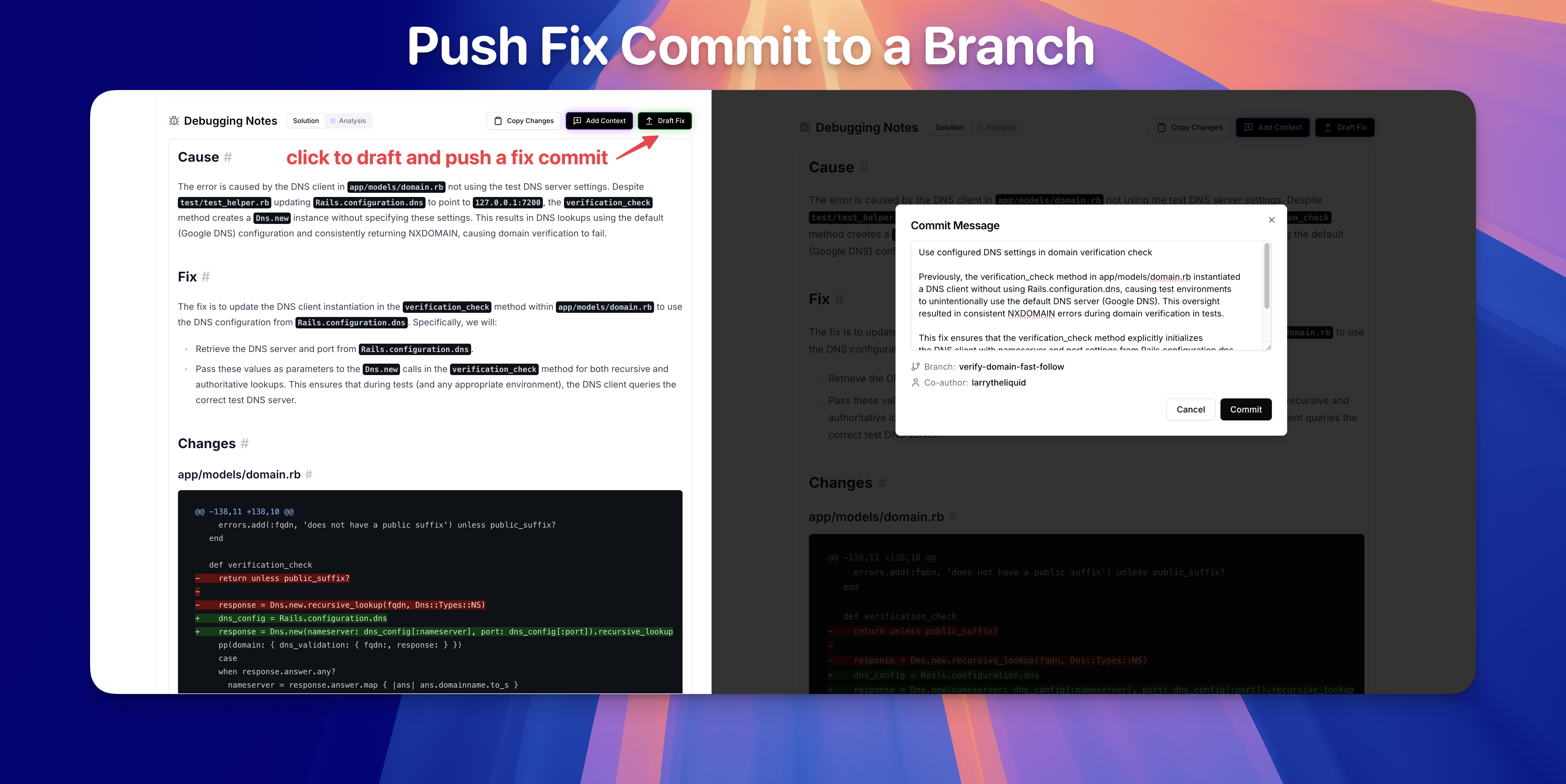
First, feel free to review and edit the AI-generated commit message.
Once you click Commit, Colimit will push the commit to the same Branch the build failed on, and use your GitHub username as a Co-author.